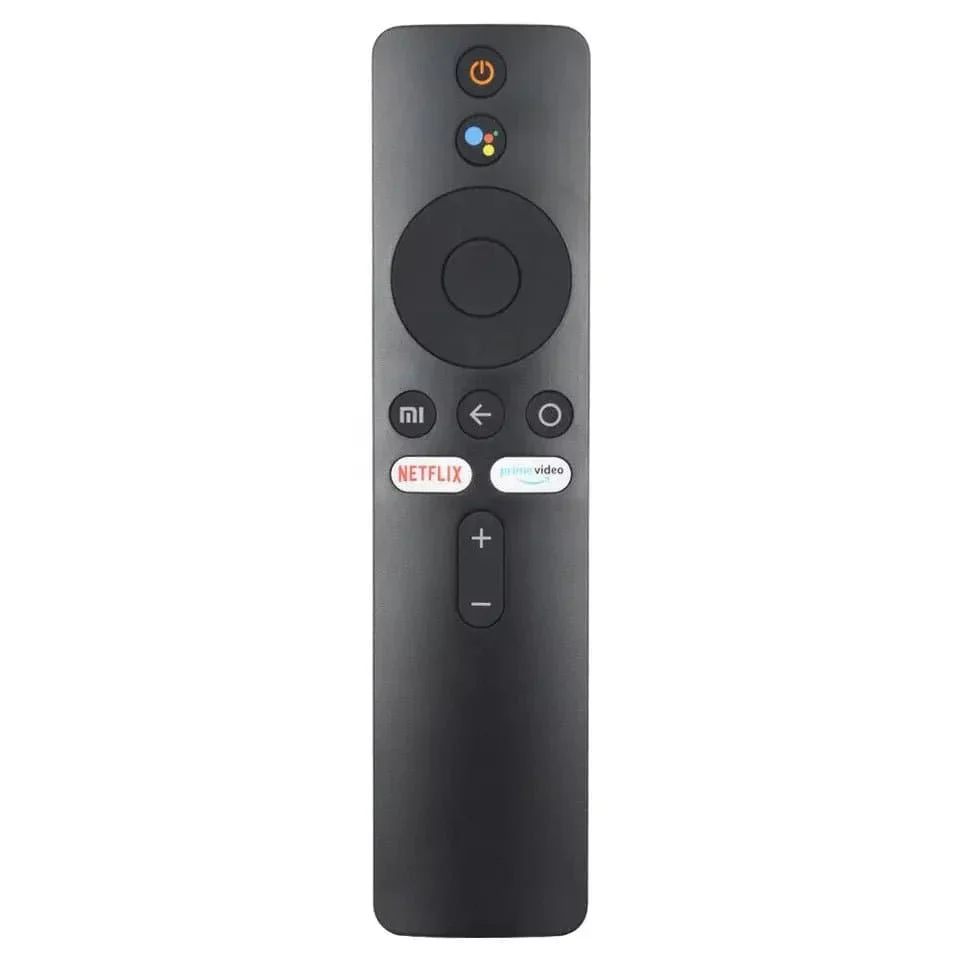
Remote Control for Xiaomi Mi TV Stick with Bluetooth and Voice Control
Remote Control for Xiaomi Mi TV Stick with Bluetooth and Voice Control
[To pair the new TV remote control:
Step 1: Unplug the power cord from the TV
Step 2: Connect the TV power cord
Step 3: Turn on the TV
Step 4: Locate the "MI" and "Home" buttons.
The "MY" button is located just above the yellow square button
The Home button is located just above the yellow square button
Step 5: Press and hold the "MI" and "Home" buttons at the same time until a drawing of a TV remote appears on the TV and wait for it to synchronize
Product Information
Product Information
Shipping & Returns
Shipping & Returns
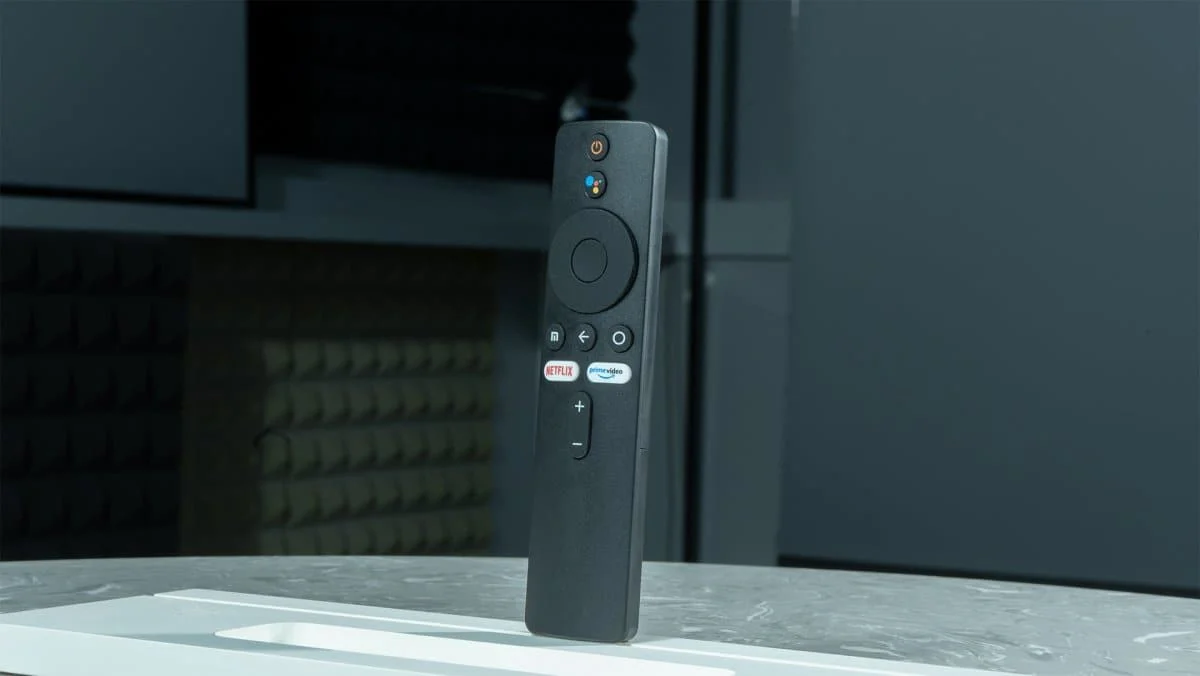
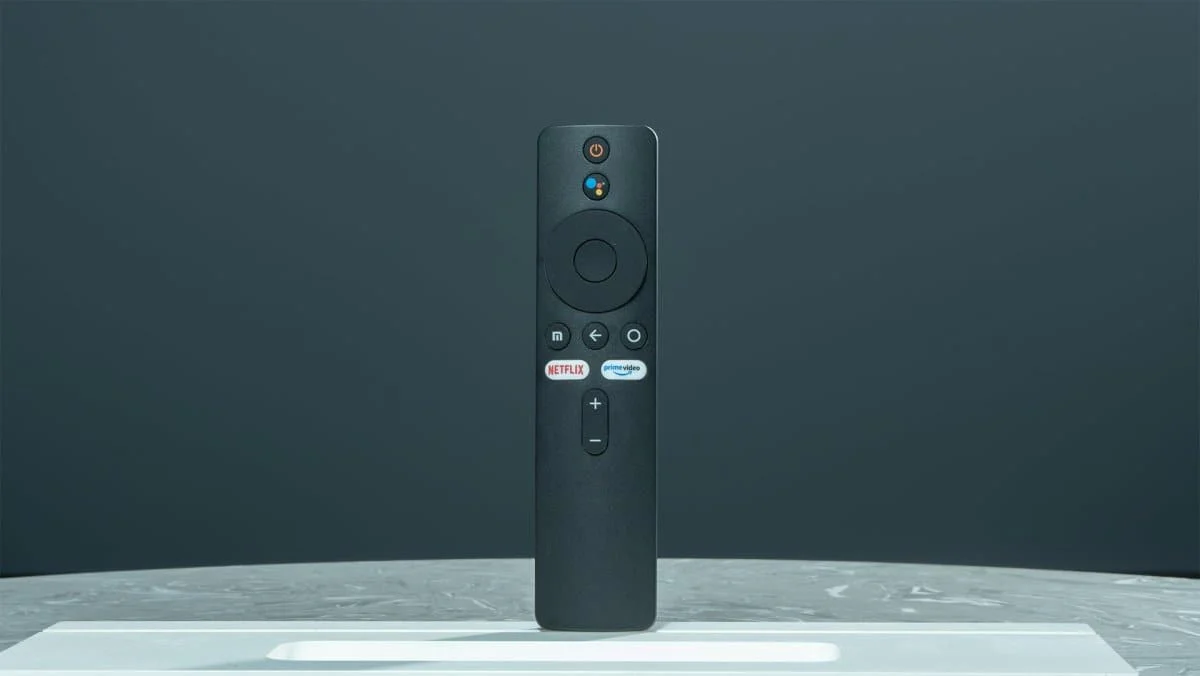
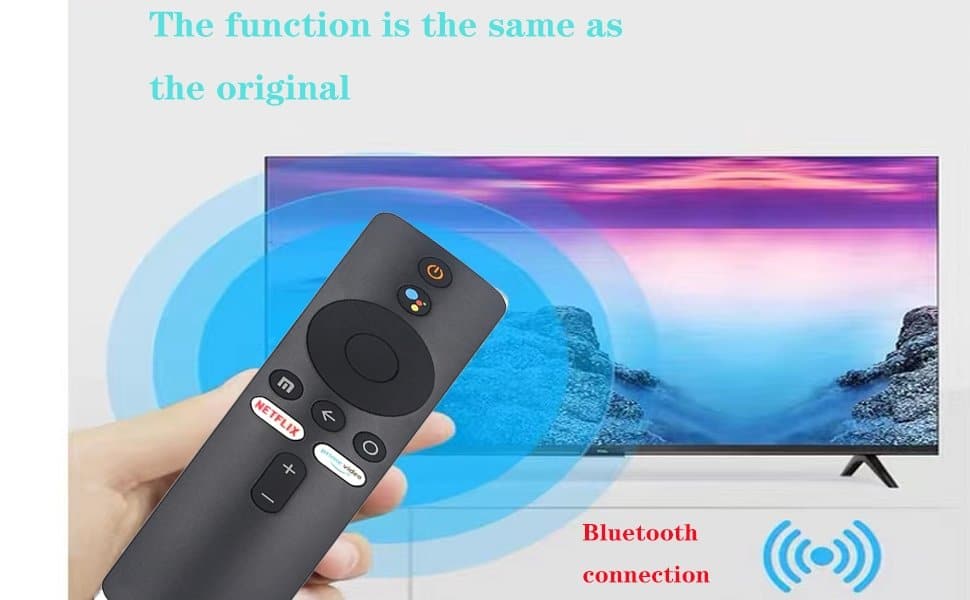
Remote Control for Xiaomi Mi TV Stick with Bluetooth and Voice Control
Remote Control for Xiaomi Mi TV Stick with Bluetooth and Voice Control
Remote Control for Xiaomi Mi TV Stick with Bluetooth and Voice Control
[To pair the new TV remote control:
Step 1: Unplug the power cord from the TV
Step 2: Connect the TV power cord
Step 3: Turn on the TV
Step 4: Locate the "MI" and "Home" buttons.
The "MY" button is located just above the yellow square button
The Home button is located just above the yellow square button
Step 5: Press and hold the "MI" and "Home" buttons at the same time until a drawing of a TV remote appears on the TV and wait for it to synchronize
Original: $41.00
-65%$41.00
$14.35Product Information
Product Information
Shipping & Returns
Shipping & Returns
Description
Remote Control for Xiaomi Mi TV Stick with Bluetooth and Voice Control
[To pair the new TV remote control:
Step 1: Unplug the power cord from the TV
Step 2: Connect the TV power cord
Step 3: Turn on the TV
Step 4: Locate the "MI" and "Home" buttons.
The "MY" button is located just above the yellow square button
The Home button is located just above the yellow square button
Step 5: Press and hold the "MI" and "Home" buttons at the same time until a drawing of a TV remote appears on the TV and wait for it to synchronize